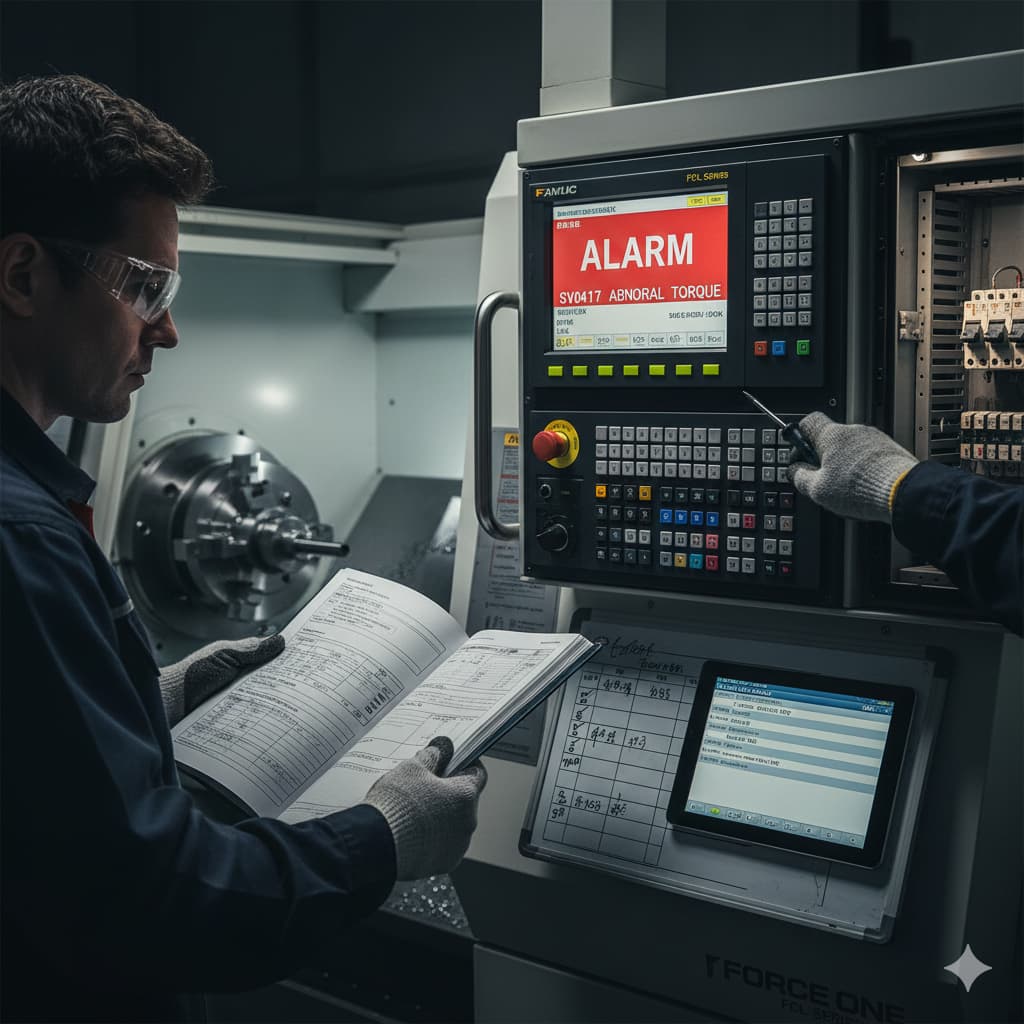
Common CNC Lathe Faults: Troubleshooting Tips for Beginners
 Jan 16 2026
Mechanical Issues
- Symptoms: Abnormal noise, axis jamming, excessive vibration, inconsistent machining dimensions
- Possible Causes: Machine impact, bearing wear, insufficient lubrication, debris on guideways
- Recommended Actions: Inspect mechanical alignment, check lubrication system, ensure smooth guideway motion, identify noise source
Electrical Issues
- Symptoms: Machine not responding (tool changer or chuck), button malfunction, MPG error, power interruptions
- Possible Causes: Relay failure, blown fuses, unstable power supply, wiring issues, control board damage
- Recommended Actions: Regularly replace relays, verify stable voltage, check connections and fuses, review alarm history
Controller Problems
- Symptoms: Controller low battery, spindle won’t start, turret won’t index, interrupted machining
- Possible Causes: Low battery, incorrect parameter settings, I/O communication loss, software errors
- Recommended Actions: Replace controller battery, check wiring, restore backed-up parameters
Human or Logic Errors
- Symptoms: Tool collisions, large dimensional deviation, unexpected movements
- Possible Causes: G/M code errors, missing tool offsets, incorrect work origin setting
- Recommended Actions: Review G-code logic, re-set tool offsets, simulate program before actual run
Force One Recommendations
Force One recommends that operators create a simple troubleshooting log to track each incident. The log should include:
- Time of occurrence
- Machining conditions
- Symptoms and observations
- Resolution method
- Use the CNC controller’s built-in alarm history feature to quickly locate the issue and determine its category (mechanical, electrical, etc.)
- When contacting Force One or authorized distributors, always provide the machine model and serial number. Communication should be made via email to streamline the support and documentation process.
 Back
Back Send inquiry